
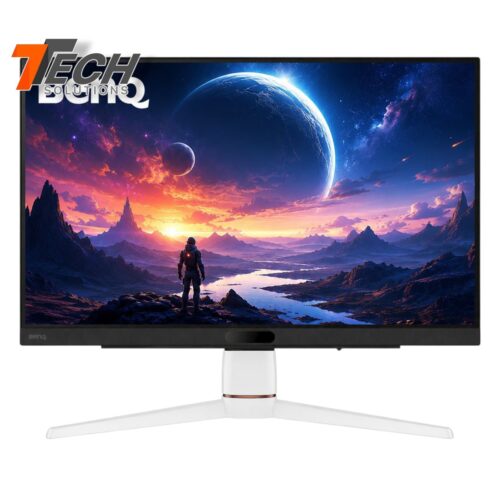
BenQ EX251 24.5″ Gaming Monitor
Rs.65,500.0024.5″ Full HD Display
IPS Panel Technology
144Hz Refresh Rate
1ms Response Time
HDRi Technology
HDMI & DisplayPort Connectivity
Eye-Care Technology
3-Year Warranty
Explore computer monitors at TTech Solutions in Sri Lanka. Compare available monitor brands, screen sizes, resolutions and features to find a display for office work, study, gaming or everyday computing. Check each product listing for specifications, availability, warranty information and price.
Showing 1–12 of 70 results
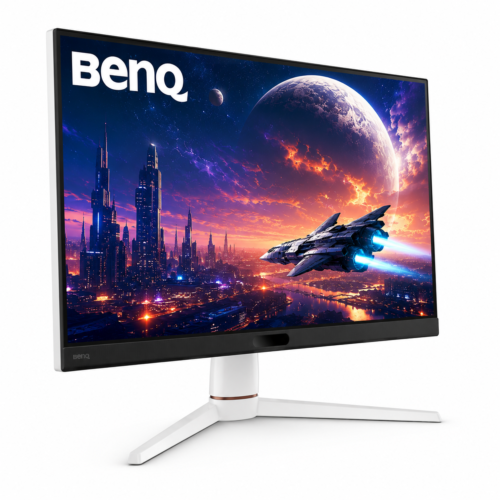
24.5″ Full HD Display
IPS Panel Technology
144Hz Refresh Rate
1ms Response Time
HDRi Technology
HDMI & DisplayPort Connectivity
Eye-Care Technology
3-Year Warranty
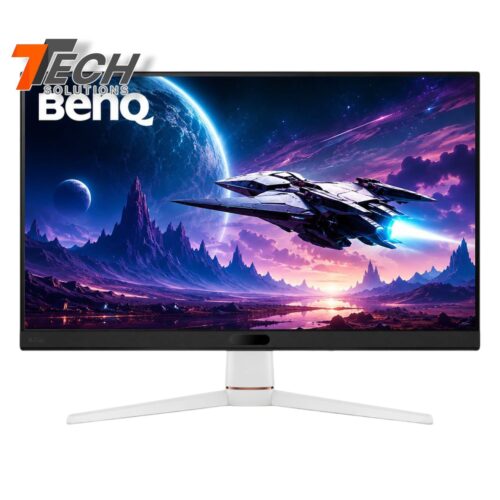
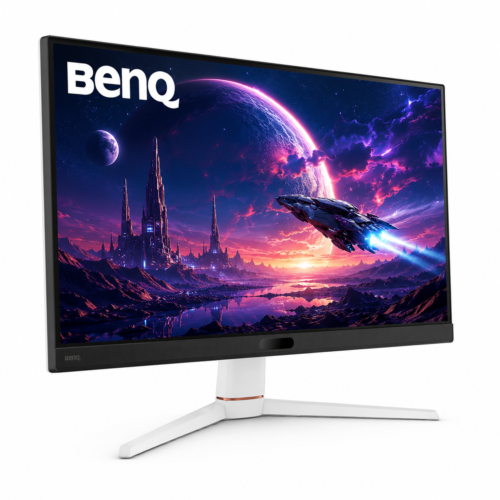
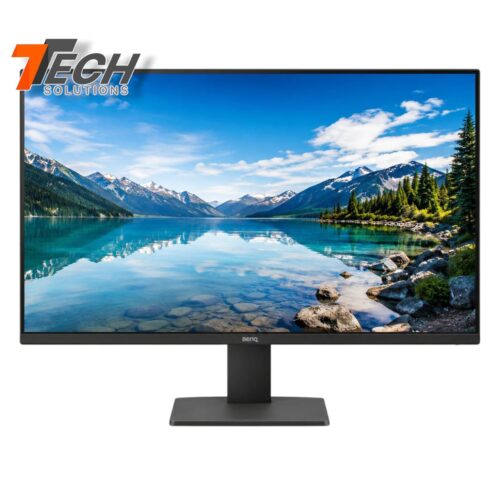
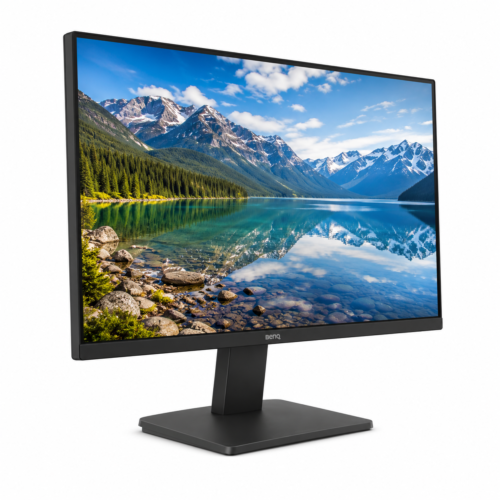
27″ Full HD Display
IPS Panel Technology
144Hz Refresh Rate
1ms Response Time
HDRi Technology
HDMI & DisplayPort Connectivity
Eye-Care Technology
3-Year Warranty
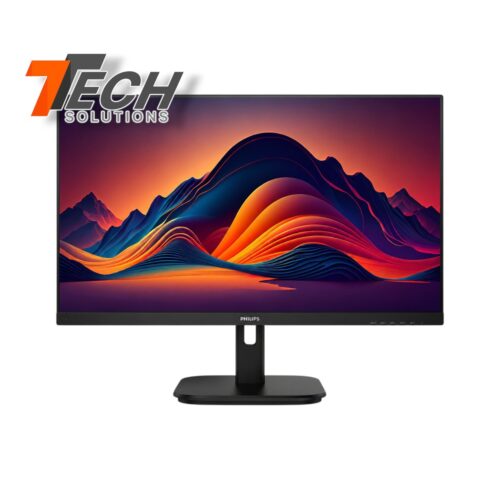
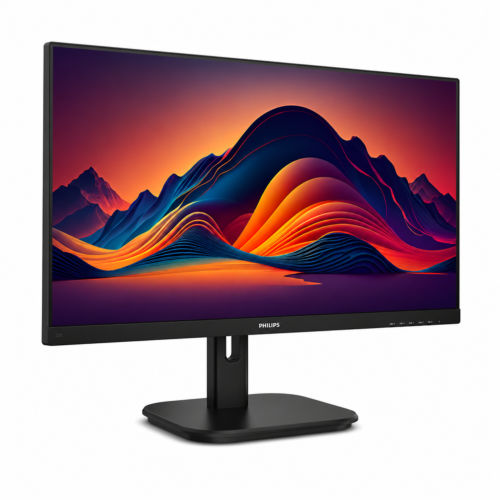
27″ Full HD Display
IPS Panel Technology
75Hz Refresh Rate
5ms Response Time
Ultra-Slim Bezel Design
HDMI & DisplayPort Connectivity
Eye-Care Technology
3-Year Warranty
21.5″ Full HD IPS Display
1920 × 1080 Resolution
100Hz Refresh Ratee
Panel Technology IPS
Color Gamut Wide Color Support
Color White
3-Year Warranty
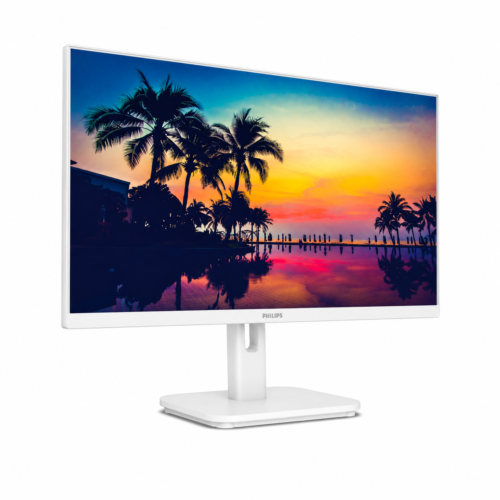
21.5″ Full HD IPS
1920 × 1080 Resolution
100Hz Refresh Rate
IPS Panel Technology
Color Gamut Wide Color Support
White Color
3-Year Warranty
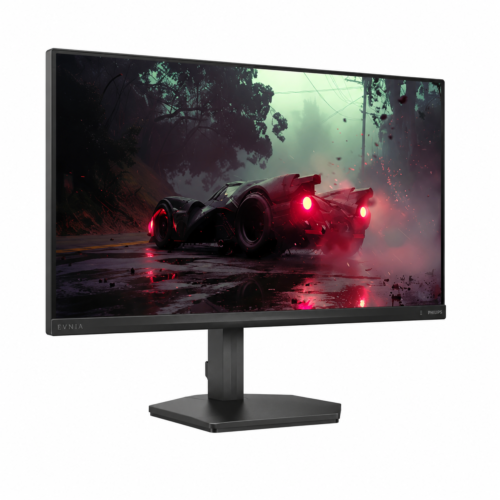
Display: 23.8″ Full HD Fast IPS Gaming Display
Resolution: 1920 × 1080
Refresh Rate: 100Hz
Panel Technology: IPS
Screen Coating: Anti-Glare(3H, Haze 25%)
Backlight: W-LED
Color Gamut: Wide Color Support
Connectivity: VGA, HDMI 1.4, DisplayPort 1.2
Audio: Headphone Out
Color: Charcoal Color
Warranty: 3-Year Warranty
27″ (68.5 cm) Full HD Display
1920 × 1080 Resolution
200 Hz Refresh Rate (HDMI/DP)
HDR10 Supported, Fast IPS Panel
Anti-Glare(3H, Haze 25%)
Charcoal Color
3-Year Warranty
27″ (68.6 cm) Full HD IPS Display
1920 × 1080 Resolution @ 120 Hz
120Hz Refresh Rate
IPSPanel Technology
Anti-Glare(3H, Haze 25%)
Wide Color Support
VGA, HDMI 1.4, DisplayPort 1.2
Black Color
3-Year Warranty
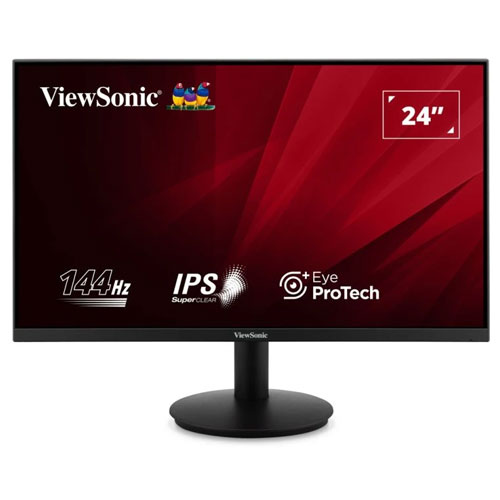
24-Inch Desktop Monitor
Full HD 1920×1080 Resolution
IPS Panel Technology
144Hz Refresh Rate
HDMI & VGA Connectivity
Anti-Glare Screen
3-Year Warranty
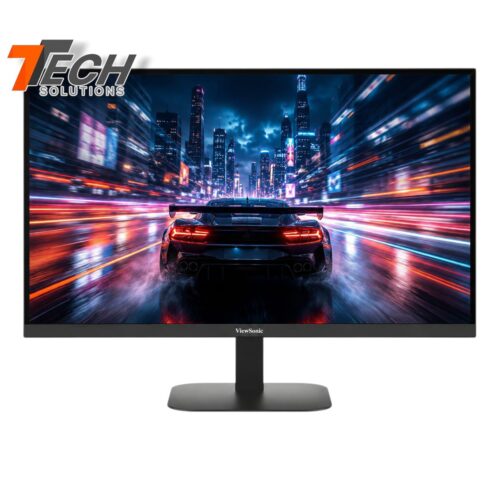
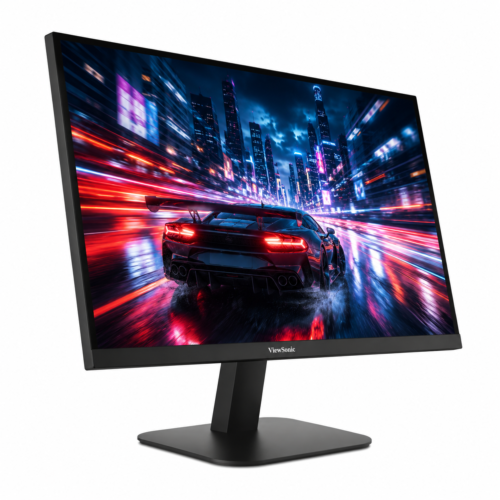
27-Inch Desktop Monitor
2K QHD 2560×1440 Resolution
IPS Panel Technology
75Hz Refresh Rate
HDMI & DisplayPort Connectivity
Anti-Glare Screen
Slim & Modern Design
Low Power Consumption
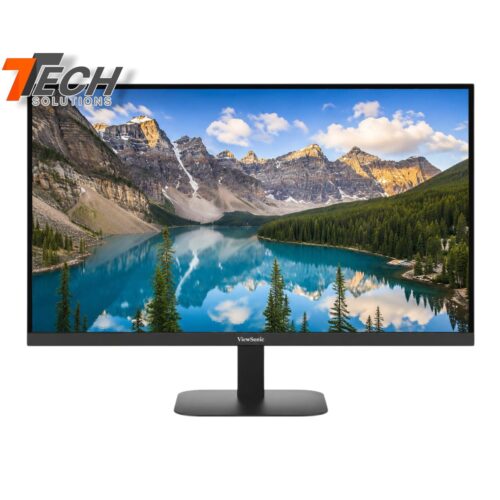
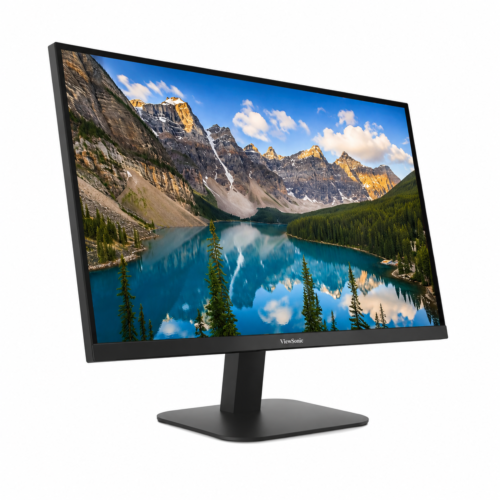
27-Inch Desktop Monitor
4K UHD 3840×2160 Resolution
IPS Panel Technology
60Hz Refresh Rate
HDMI & DisplayPort Connectivity
Anti-Glare Screen
Slim & Modern Design
Low Power Consumption
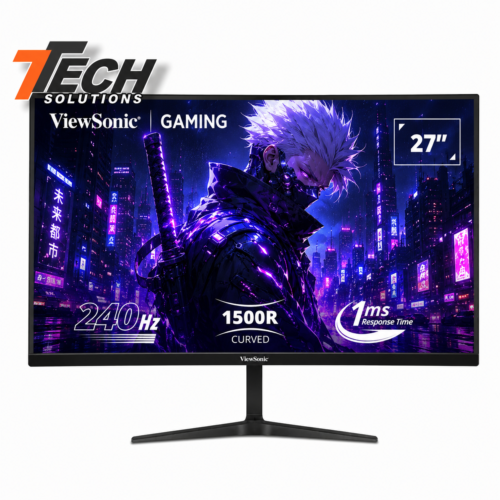
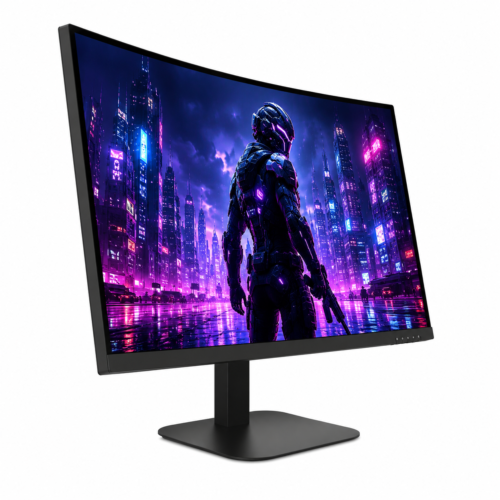
27-Inch Gaming Monitor
Full HD 1920×1080 Resolution
1500R Curved VA Panel
1ms (MPRT)
AMD FreeSync Premium & NVIDIA G-Sync Compatible
240Hz Ultra‑Fast Refresh Rate, HDR10 High Dynamic Range
3-Year Manufacturer Warranty
End of content
End of content
Shop computer monitors at TTech Solutions in Sri Lanka. Compare available models by screen size, resolution, connectivity and intended use. Review each product listing for specifications, availability and price before purchasing.
Explore available BenQ monitors and compare their display specifications and features. Choose a model based on your workspace, intended use and budget.
Compare available HP monitors for office work, education and everyday computing. Check the screen size, resolution, supported connections and other specifications listed for each model.
Explore MSI monitors available in the catalogue, including models intended for gaming or general computing where offered. Compare refresh rate, resolution, response time and connectivity when these specifications are provided.
Compare available Lenovo monitors by screen size, resolution, connectivity and intended use. Check the individual listing for current availability and product details.
When choosing a gaming monitor, compare refresh rate, response time, resolution and compatibility with your computer’s graphics hardware. Select a monitor that suits the games you play and your performance requirements.
Browse the monitor listings at TTech Solutions to compare available models, specifications and prices.
Compare refresh rate, response time, resolution and graphics compatibility to find a monitor that meets your gaming requirements.
Check the monitor’s input ports and supported resolution, then compare them with the video outputs and capabilities of your computer.