
ADATA 128GB microSD Memory Card – Class 10 UHS-I
Rs.5,900.00ADATA
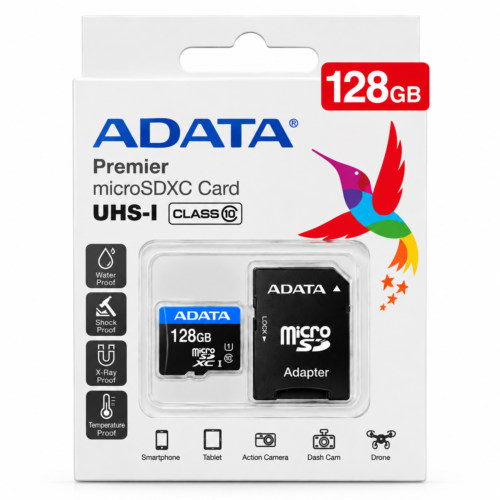
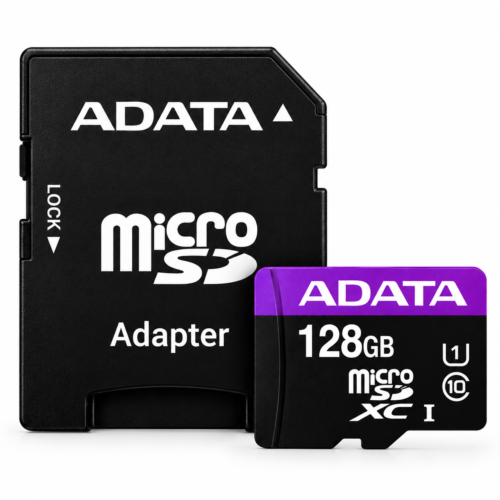
128GB microSDXC Memory Card
UHS-1 Interface
Speed Class 10
Video speed class V10
Up to 100MB/s Read speed
1-Year Manufacturer Warranty
Explore memory and storage accessories at TTech Solutions in Sri Lanka. Browse laptop RAM, desktop RAM, NVMe SSDs, SATA SSDs, pendrives, internal storage and external storage. Compare available products, specifications and compatibility to find suitable memory and storage solutions for your computer.
Showing 1–12 of 81 results
ADATA
128GB microSDXC Memory Card
UHS-1 Interface
Speed Class 10
Video speed class V10
Up to 100MB/s Read speed
1-Year Manufacturer Warranty
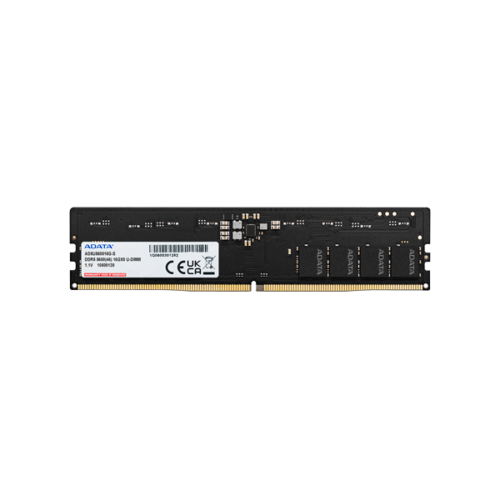
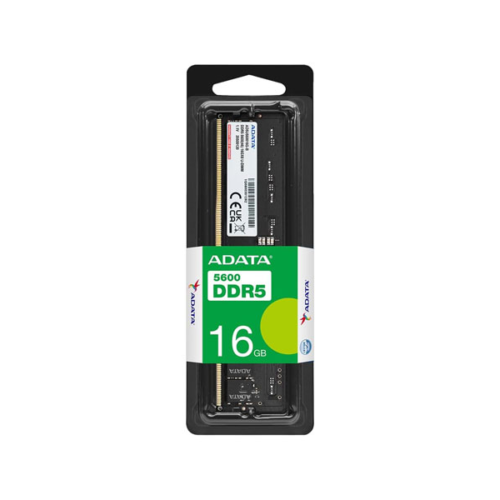
16GB Desktop RAM
DDR5 Memory Technology
5600 MHz High-Speed Frequency
UDIMM Form Factor
Low Power Consumption
Higher Bandwidth & Faster Performance
Compatible with DDR5-Supported Desktop Motherboards
Stable & Reliable Operation
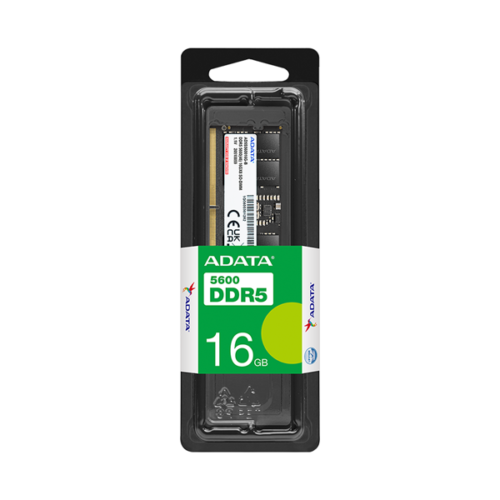
ADATA(AD5S560016G-S)
DDR5 16GB Memory Technology
5600 MHz High-Speed Frequency
262-Pin SO-DIMM Form Factor
Low Power Consumption
Compatible with DDR5-Supported Laptops
3-Year Comprehensive Warranty
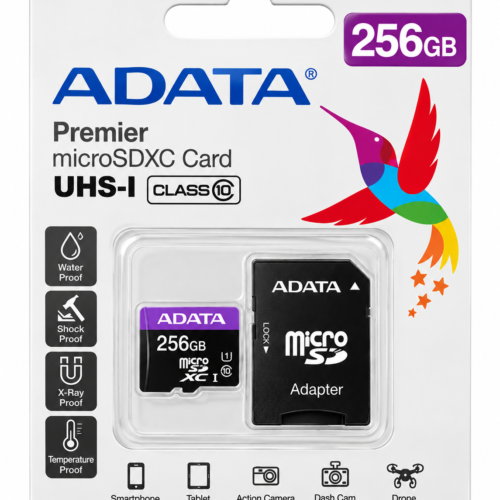
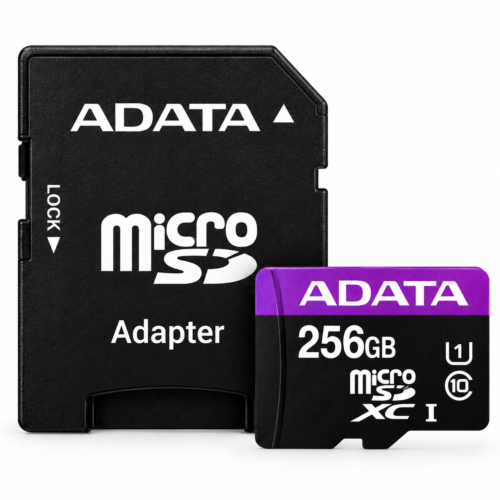
ADATA
256GB microSDXC Memory Card
UHS-1 Interface
Speed Class 10
Video speed class V10
Up to 100MB/s Read speed
1-Year Manufacturer Warranty
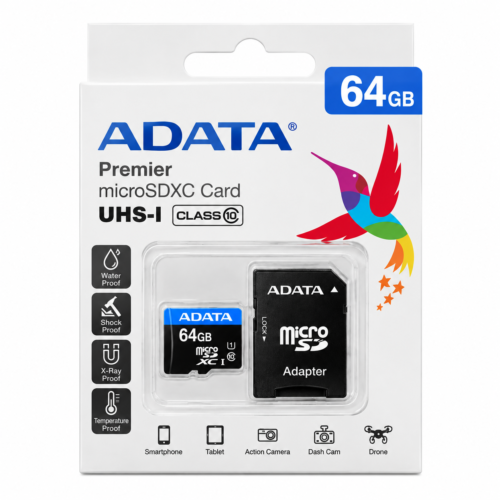
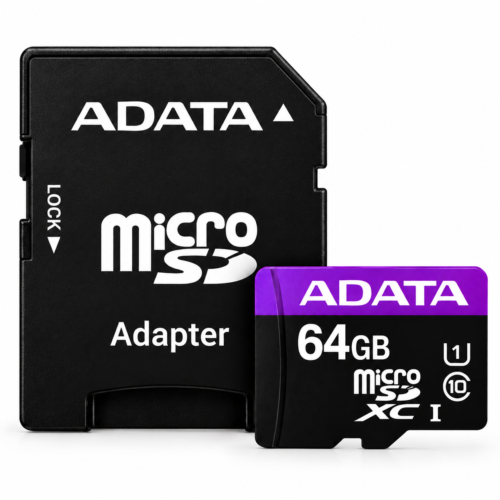
ADATA
64GB microSDXC Memory Card
UHS-1 Interface
Speed Class 10
Video speed class V10
Up to 100MB/s Read speed
1-Year Manufacturer Warranty
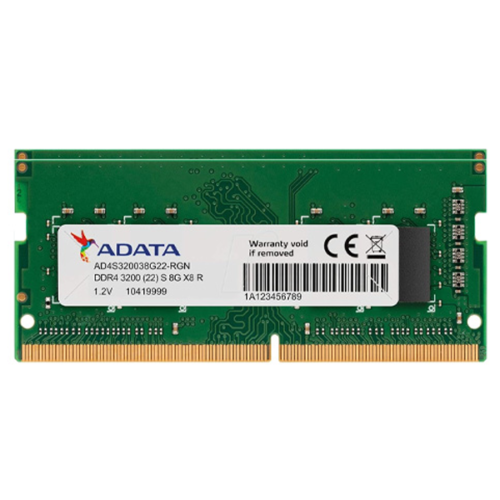
260-pin DIMM Model
8GB RAM Size
SO-DIMM RAM Technology
3200 GHz RAM Speed
DD4 RAM Type
3 Year Warranty
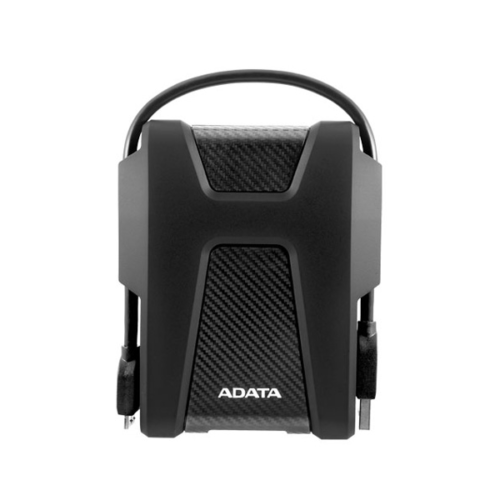
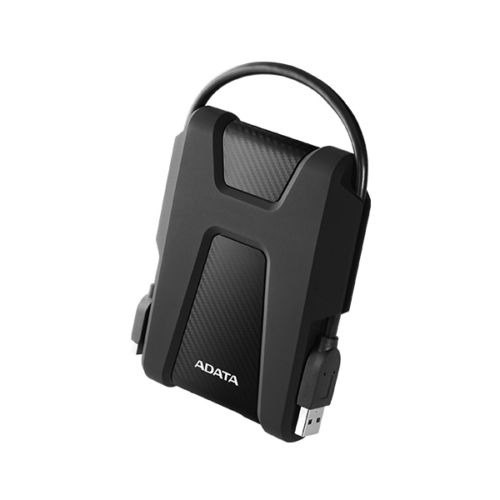
ADATA HD680
1TB Portable External Hard Drive
USB 3.0 High‑Speed Connectivity
Shock‑Resistant Construction
LED Activity Indicator
Compatible with Windows, macOS & Linux
3‑Year Warranty
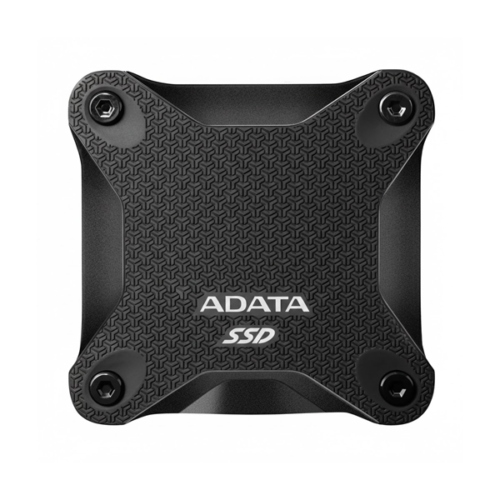
ADATA SD620
1TB Storage Capacity
USB 3.1 High-Speed Connectivity
Shock-Resistant Solid-State Build
Compatible with Windows, macOS, Linux & Android (OTG)
LED Activity Indicator
3-Year Warranty
ADATA SD620
512GB Storage Capacity
USB 3.1 High-Speed Connectivity
Shock-Resistant Solid-State Build
Compatible with Windows, macOS, Linux & Android (OTG)
LED Activity Indicator
3-Year Warranty
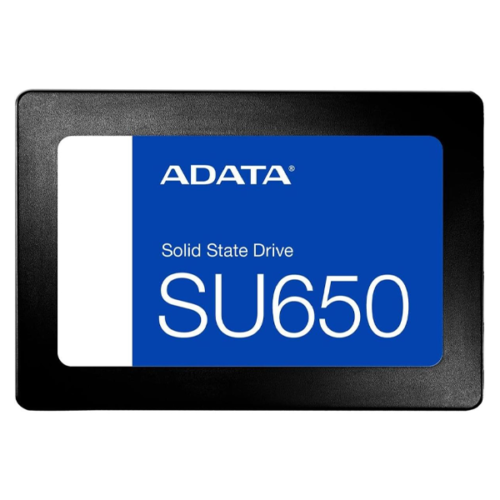
Storage 480GB
Hard Disk Interface Solid State
Special Feature Portable
Hard Disk Form Factor 2.5″
Color natural
3 Year Warranty
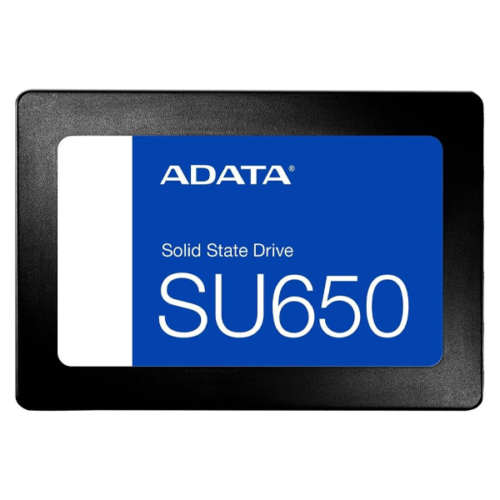
Storage 256GB
Hard Disk Interface Solid State
Special Feature Portable
Hard Disk Form Factor 2.5″
Color natural
3 Year Warranty
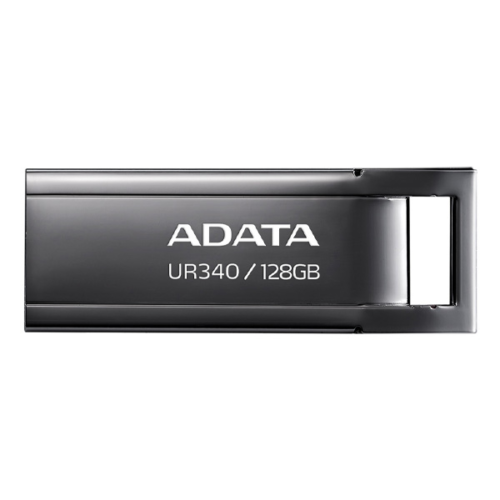
ADATA UR340
128GB Capacity
USB 3.0 High-Speed Interface
Plug-and-Play Functionality
Durable Metal Casing
No External Power Required
3-Year Warranty
End of content
End of content
TTech Solutions offers computer memory and storage products for compatible laptops and desktop computers. Explore desktop RAM, laptop RAM, NVMe SSDs, SATA SSDs, pen drives, internal storage and external storage. Compare product specifications, capacity, compatibility, price and availability before purchasing.
Desktop RAM helps a compatible desktop computer handle active applications and multitasking. Before upgrading, check your motherboard specifications, supported memory generation, capacity limits and available memory slots.
When choosing laptop RAM, confirm your laptop model and supported memory specifications. Check the memory generation, module type, capacity limits and whether the memory is upgradeable before ordering.
NVMe SSDs are designed for compatible storage interfaces and can offer fast data access. Check whether your computer supports NVMe, the required M.2 form factor and the supported drive capacity before purchasing.
SATA SSDs are available for compatible computers that support SATA storage connections. Confirm the required drive size, interface and available connector before choosing a replacement or upgrade.
Pen drives provide portable storage for transferring and keeping files. Compare the available storage capacity, USB connector type and compatibility with your computer and other devices.
Choose internal storage according to your computer’s supported drive type, interface, physical size and capacity requirements. Check the product specifications to ensure the drive is suitable for your intended system.
External storage devices can help you store, transfer and back up files. Consider the required capacity, connection type, portability and compatibility with the devices you plan to use.
Check your computer or motherboard model and its supported memory specifications, including memory generation, module type and maximum capacity.
NVMe and SATA use different storage interfaces and protocols. Check your device’s supported interface and physical form factor before selecting an SSD.
Upgrade options depend on the laptop model. Some laptops have upgradeable memory or storage, while others have limitations. Check the manufacturer’s specifications before buying components.
Internal storage is installed inside a compatible computer, while external storage connects through an external interface. Choose according to your storage, portability and usage requirements.
Browse the available products at TTech Solutions and check each listing for specifications, compatibility, price and stock availability before ordering.